
Unlock Your Creativity: A Deep Dive into CapCut’s Revolutionary AI Video Maker
Discover how CapCut’s new AI Video Maker transforms video creation with its innovative features. This blog post explores the tool’s capabilities, including script generation, scene creation, and voiceovers, making it an essential resource for content creators and marketers.
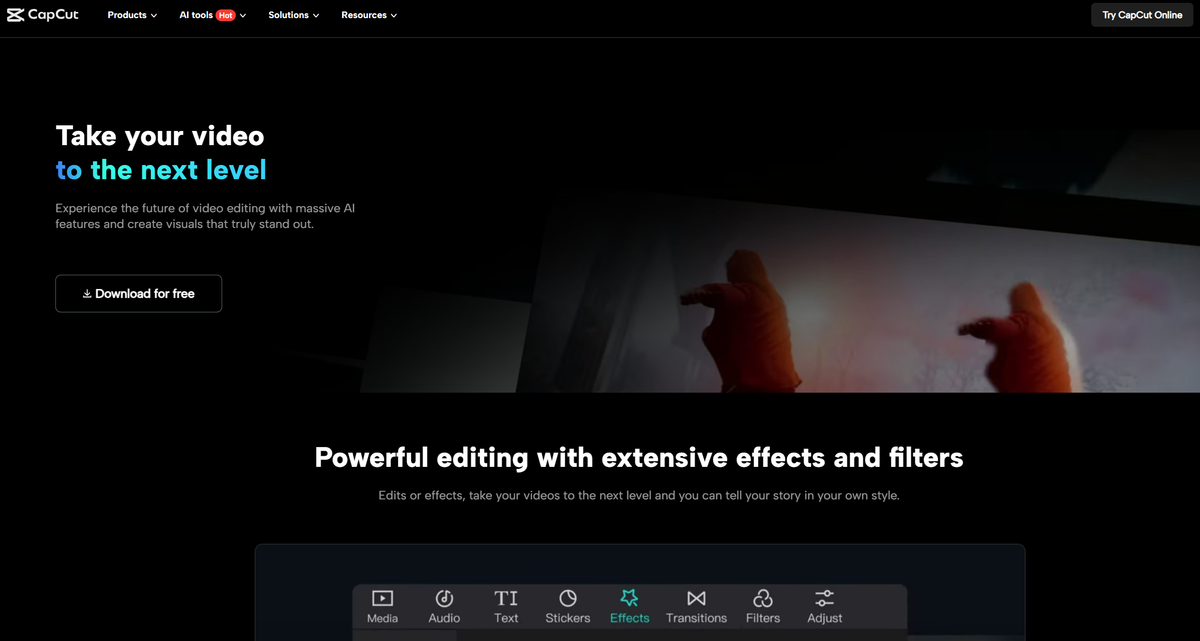
In the fast-paced world of content creation, efficiency and quality are paramount. Enter CapCut’s new AI Video Maker—a game-changing tool designed to streamline the video editing process for everyone, from novice creators to seasoned professionals. In this blog post, we’ll explore the incredible features of this free tool and how it can revolutionize your video production workflow.
The Rise of AI in Video Creation
As technology advances, artificial intelligence (AI) has become an integral part of various industries, including video production. CapCut’s AI Video Maker stands out by offering an intuitive user interface that simplifies the video creation process. No longer do you need to be a technical wizard to produce stunning videos; this tool empowers users to create engaging content effortlessly.
Key Features of CapCut’s AI Video Maker
1. User-Friendly Interface
One of the most appealing aspects of CapCut’s AI Video Maker is its user-friendly design. The platform is accessible to creators of all skill levels, allowing anyone to dive in and start producing high-quality videos without the steep learning curve often associated with video editing software. The layout is clean and organized, making navigation a breeze.
2. AI Script Generation
Imagine having the ability to generate a complete video script in seconds! With CapCut’s AI capabilities, users can input a basic idea, and the tool will craft a comprehensive script tailored to the desired length and style. This feature not only saves time but also helps streamline the creative process, allowing users to focus on other aspects of video production.
3. Scene Generation and Voiceovers
CapCut takes automation a step further by generating scenes and voiceovers. Once you have your script, the AI can create visuals that correspond to your content, pulling from an extensive library of stock media. Additionally, users can choose voiceovers with various accents and styles, giving videos a professional touch. This unique feature is particularly beneficial for those looking to produce faceless content, as it eliminates the need for on-camera appearances.
4. Stock Media Integration
Finding the right footage can often be a time-consuming task. CapCut addresses this challenge by providing a vast library of stock footage that can be easily matched to your video script. This integration ensures that users have access to high-quality visuals, enabling them to create cohesive and visually appealing videos without the hassle of sourcing clips from multiple platforms.
Step-by-Step Tutorial Walkthrough
The video provides a detailed walkthrough of how to use the AI Video Maker, making it easy for users to get started. Here’s a brief overview of the steps involved:
- Launching CapCut: The journey begins by opening the CapCut app and creating a new project.
- Inputting Your Idea: Users simply enter their video concept into the AI script generator, which will produce a polished script ready for presentation.
- Scene and Media Selection: The AI then generates scenes based on the script, offering users the option to select AI-generated images or stock footage that aligns with the narrative.
- Adding Voiceovers: Users can choose from various voiceover options, ensuring that the audio aligns with the video’s tone and style.
- Final Touches: With the foundation of the video in place, creators can adjust captions, select background music, and make any necessary edits to enhance the final product.
Conclusion: Embrace the Future of Video Creation
CapCut’s AI Video Maker is more than just a tool; it’s a catalyst for creativity. By automating the time-consuming aspects of video production, it allows creators to focus on what truly matters—crafting engaging content that resonates with their audience. Whether you’re a social media marketer, a YouTube content creator, or just someone looking to share their passion, this tool is a must-try.
Ready to unlock your creative potential? Download CapCut today and explore how its innovative AI Video Maker can transform your approach to video creation. With its powerful features and ease of use, you’ll be producing high-quality videos in no time!